



-
Recently Browsing 0 members
- No registered users viewing this page.
-
Latest Activity
-

By Comfy Bean · Posted
👍 plus they brought their own screens 📺 either side of the stage. -
 Production was the only thing that could even explain why she would back out. Like they had sorted out the financials and she was fine with it and then a production meeting happened. It all fell apart. It was very clear that she was not going to compromise her show one bit and then that show in Brazil pretty much confirmed it. There was like one element they couldnt pull off outdoors, but it was negligible since the rest was a carbon copy of the tour she had been on. Glasto is not willing to make any bold changes on the Pyramid stage so then theyre kinda stuck in terms of what some acts want/demand. I think the easiest solution to that is putting her on Friday. You deal with the changes for one night and then re configure for the rest of the weekend. In 24 they were fortunate to have had Dua and Coldplay on Fri and Sat so they could both use the b stage. But I think it was removed for Sunday? I saw a random rag article earlier that said Olivia Dean turned down Glasto BECAUSE her ex ( not even confirmed dating ) Harry Styles was playing the fest. hahahaha
 -
By henry bear · Posted
No argument that he’s bigger than ever, I just have no enthusiasm for it. -
Keep in mind those crowds were full of teenagers. Glasto aint full of teenagers. Theres no way she could demand headline and get it because they got other acts to give the slot to who deserve it with a bigger catalog. Reading/Leeds would headline her cause its still LN. If the fest was struggling its Other headline. But a 3rd down Pyramid is likely the landing spot. Itll go down like the Camila Cabello performance pretty much.
-
-
-
Latest Festival News
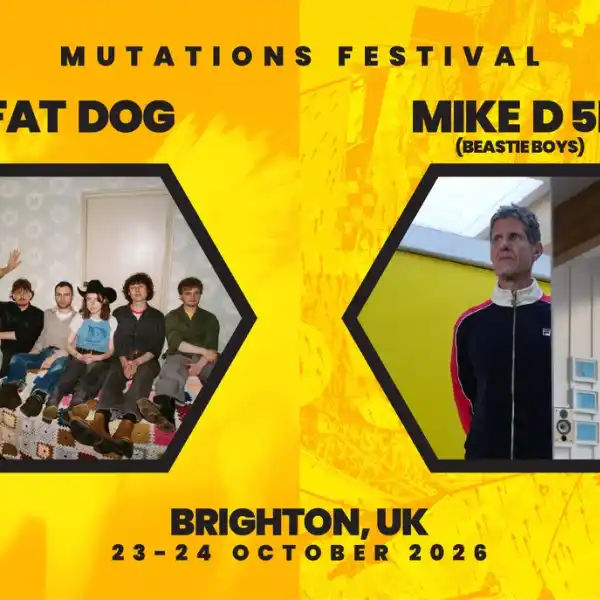 Brighton Mutations Festival 2026 announces Fat Dog & Mike D 5D (Beastie Boys) as first headliners
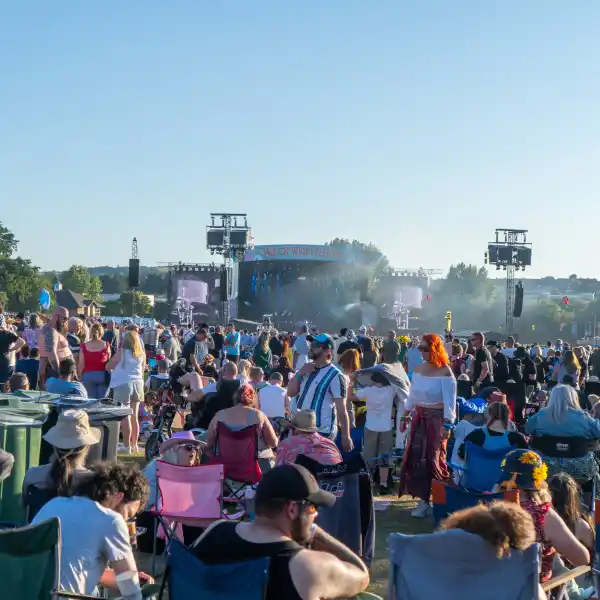 Early Bird Tickets For IOW 2027 Now On Sale
 Radio 2 in the Park announces line-up as tickets go on sale
 Glastonbury Alternatives: 20+ Festivals for Summer 2026
 Simple Things announce first wave of line-up
 -
Featured Products
-
Hot Topics
-
-
Latest Tourdates


Recommended Posts
Join the conversation
You can post now and register later. If you have an account, sign in now to post with your account.